Update your regular donation
Keeping your regular donation up to date is quick and easy. Whether you’d like to change the amount or update your payment details, you can do it at any time.
To access your account, login using the Login button at the top right of this website.
Once logged in, select the Regular giving tab on the dashboard menu.
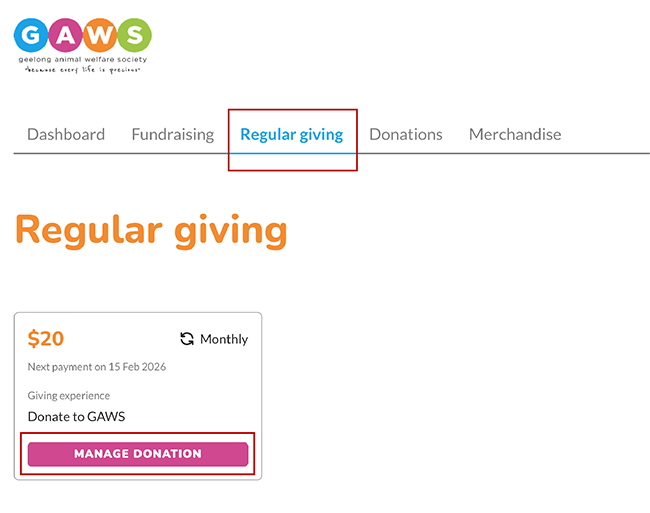
By selecting the Manage Donation button on the regular giving donation card, you will be forwarded to a page with editing options.
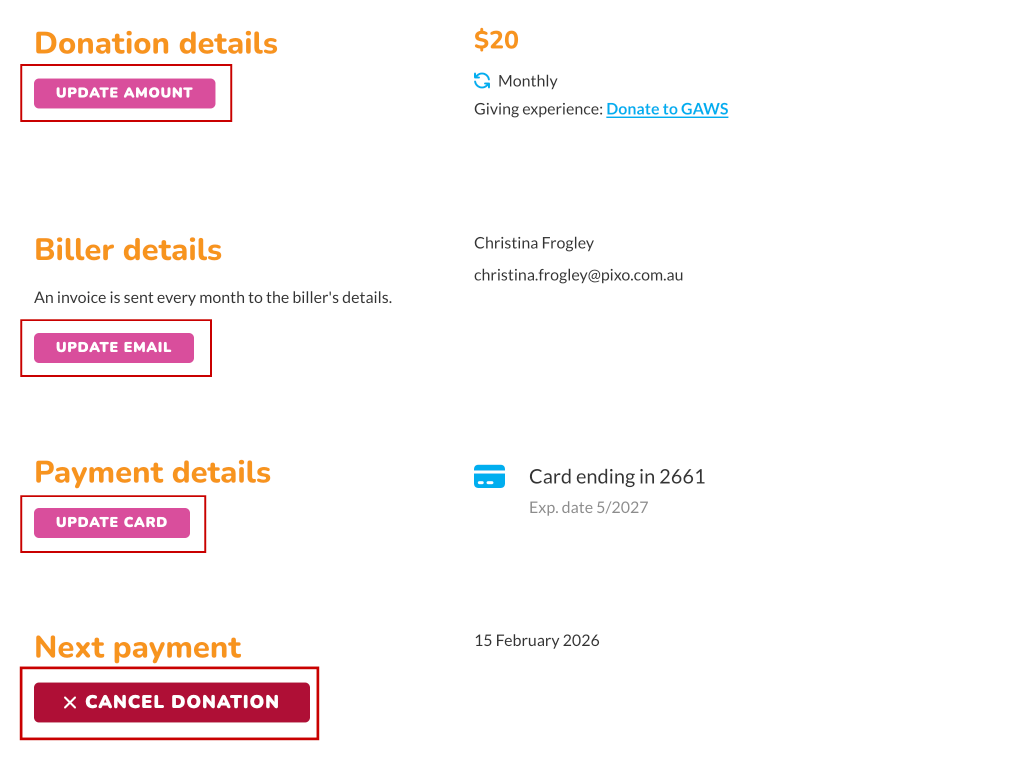
From this view, users can:
Change credit card details
Change donation amount
Change email address
Cancel recurring payment
Need help? Contact us
If you’re having trouble accessing your account or can’t find what you’re looking for, please get in touch. We’re here to help and truly appreciate your continued support.